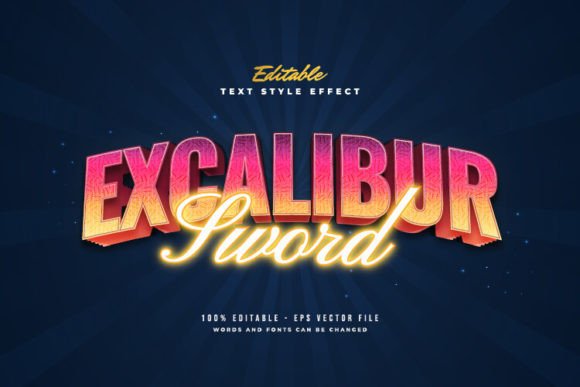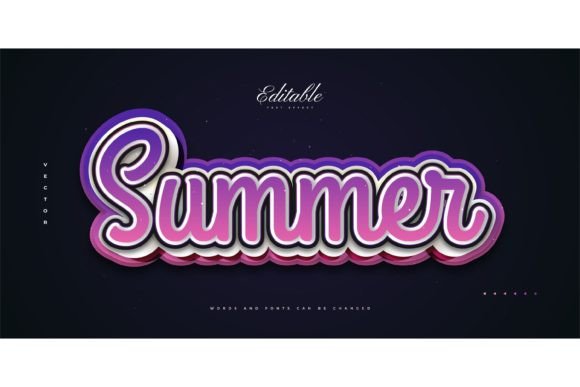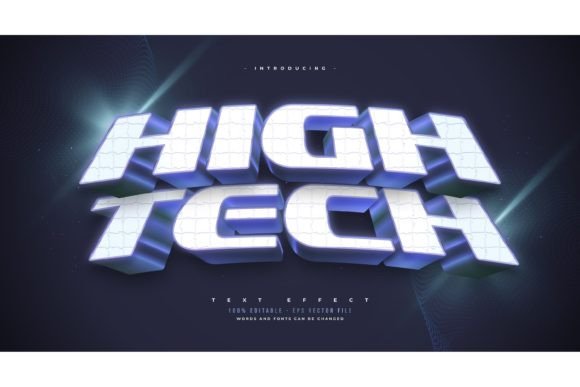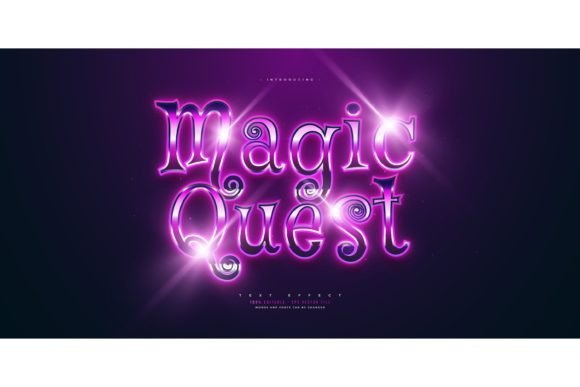
3D Cartoon Wavy Text Style Guide
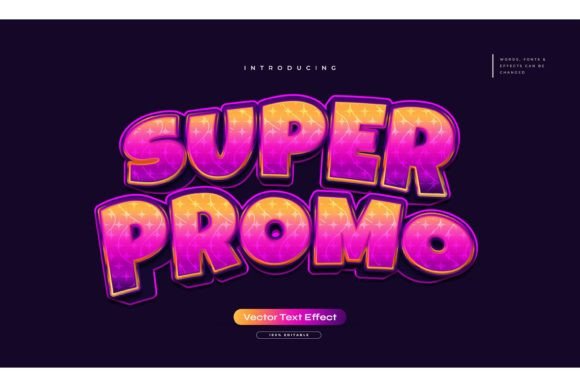
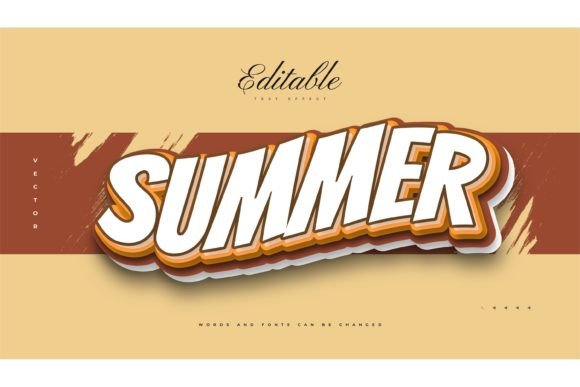
Visual communication has evolved far beyond static, flat typography. In today’s digital landscape, capturing attention requires depth, movement, and personality. This is where the 3D Cartoon Text Style with Wavy Effect becomes an invaluable asset for creators. Unlike standard fonts that sit passively on a page, this design approach transforms words into dynamic visual elements that pop off the screen. It combines the playful nostalgia of cartoon aesthetics with modern three-dimensional rendering techniques, resulting in text that feels tangible, fun, and engaging.
For many designers, marketers, and content creators, achieving this look from scratch can be a time-consuming technical challenge. It involves complex layering, shading, and perspective adjustments that require a steep learning curve in graphic design software. However, utilizing pre-made templates like the Adobe Illustrator Text Style Effect – 100 Editable Words package changes the game entirely. It allows users to bypass the tedious setup process and focus purely on creativity and messaging.
Understanding the Appeal of Wavy 3D Typography
The core characteristic of this style is its fluidity. The "wavy" aspect introduces a sense of motion and organic flow, breaking the rigid structure of traditional horizontal text lines. When combined with 3D extrusion, the letters appear to have volume and weight. This combination triggers a psychological response in viewers; it feels friendly, approachable, and energetic.
This aesthetic is particularly effective because it bridges the gap between professional polish and casual fun. It is not so abstract that it becomes unreadable, nor is it so simple that it gets lost in a crowded feed. The 3D Cartoon Text Style with Wavy Effect stands out because it mimics physical objects—like inflated balloons, molded plastic, or soft clay—making the text feel interactive. For brands aiming to appear human-centric and lively, this style communicates warmth without sacrificing visual impact.
Practical Applications Across Industries
One of the greatest strengths of this text effect is its versatility. While it naturally fits within creative and entertainment sectors, its utility extends far beyond those boundaries. Here is how different professionals can leverage this tool:
- Social Media Marketing: Instagram stories, TikTok covers, and YouTube thumbnails thrive on high-contrast, eye-catching graphics. A wavy 3D headline can increase click-through rates by drawing the eye immediately to the core message.
- Educational Content: Teachers and e-learning creators can use these playful fonts to make headings in presentations or worksheets more engaging for students. It reduces the intimidation factor of dense information.
- Small Business Branding: Cafés, boutiques, and startups often need logo variations or promotional banners that reflect a youthful, innovative vibe. This text style offers a custom look without the cost of hiring a specialized 3D artist.
- Event Promotion: From birthday invitations to corporate team-building flyers, the celebratory nature of cartoon-style 3D text sets a positive tone instantly.
The key is recognizing that this is not just a "font" but a design effect. This distinction matters because it means you are not limited to a single typeface. You can apply this wavy 3D treatment to any font you prefer, allowing for complete brand consistency while maintaining the desired visual flair.
Why Choose an Editable Template Over Custom Design?
Creating a high-quality 3D wavy text effect manually in Adobe Illustrator involves multiple steps: creating the base text, applying extrusion, adjusting lighting angles, managing gradient meshes for shading, and manually warping paths to achieve the wave. For a beginner, this can take hours. For a professional, it is still a repetitive task that eats into billable time.
Using a resource like the Adobe Illustrator Text Style Effect – 100 Editable Words package solves this efficiency problem. The primary value proposition here is editability. The template is designed so that you can simply click on the text layer, type your new word, and the effect updates automatically. This "click and change" functionality ensures that the complex vector calculations behind the 3D look and wavy distortion remain intact, regardless of the characters you input.
Furthermore, having access to 100 pre-set words provides a massive head start. Whether you need common call-to-action phrases like "Sale," "New," or "Welcome," or specific niche terms, the likelihood of finding a close match is high. Even if your exact word isn't included, the structure allows you to modify existing examples easily. The inclusion of both EPS files and JPG previews ensures compatibility across different workflows. EPS files are vector-based, meaning they can be scaled to any size—from a business card to a billboard—without losing quality. JPGs serve as quick references or ready-to-use assets for digital-only contexts where editing is not required.
Important Considerations for Best Results
While these templates are user-friendly, there are best practices to keep in mind to ensure your final design looks professional.
Font Selection Matters
Since this is a text effect and not a font itself, the underlying typeface you choose will dramatically alter the outcome. Bold, rounded sans-serif fonts typically work best for cartoon styles because they retain their volume when extruded. Thin, serif fonts may lose detail or look fragile when subjected to heavy 3D effects and wavy distortions. Experiment with different font weights to see which complements the wavy structure best.
Color and Contrast
3D effects rely heavily on light and shadow to create the illusion of depth. When changing colors, ensure there is enough contrast between the highlight, mid-tone, and shadow areas defined in the template. Pastel colors often enhance the "cartoon" feel, while vibrant, saturated hues can make the text pop against dark backgrounds. Always check your text against its intended background to ensure readability.
Software Compatibility
To edit the EPS files effectively, you will need vector graphic software, primarily Adobe Illustrator. While other programs can open EPS files, the editable features—such as the specific appearance attributes and envelope distortions used to create the wave—are optimized for Illustrator. If you are a beginner, take some time to familiarize yourself with the Layers panel and the Appearance panel in Illustrator, as these are where you will make most of your adjustments.
Maximizing Value for Beginners and Pros
For beginners, this tool serves as an educational resource. By deconstructing how the effect is built—observing how the warp interacts with the 3D extrude—you can learn valuable design principles. For professionals, it is a productivity booster. It allows for rapid prototyping of ideas. You can test five different headlines in the time it would usually take to build one from scratch.
Ultimately, the 3D Cartoon Text Style with Wavy Effect is about more than just aesthetics; it is about communication efficiency. It helps your message stand out in a noisy digital world. By leveraging editable, high-quality templates, you remove the technical barriers to entry, allowing you to focus on what truly matters: connecting with your audience through clear, compelling, and visually striking design.
Whether you are designing a playful logo, a engaging social media post, or an educational slide deck, integrating this style can elevate your visual identity. Remember, the goal is not just to make text look cool, but to make it work harder for your brand. With the right tools and a bit of creative experimentation, you can master this trend and make it your own.