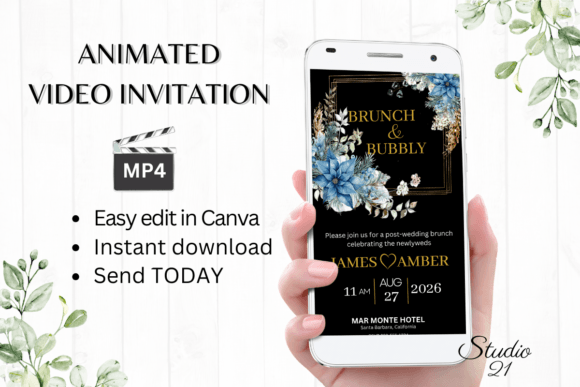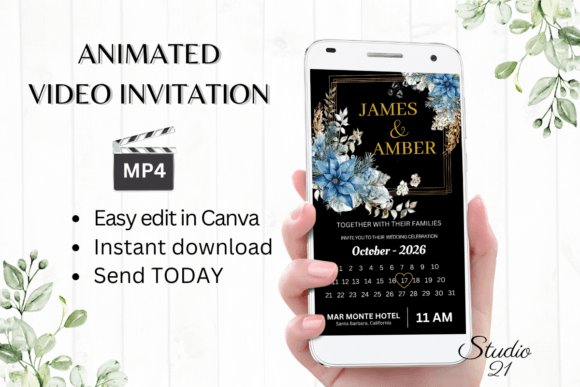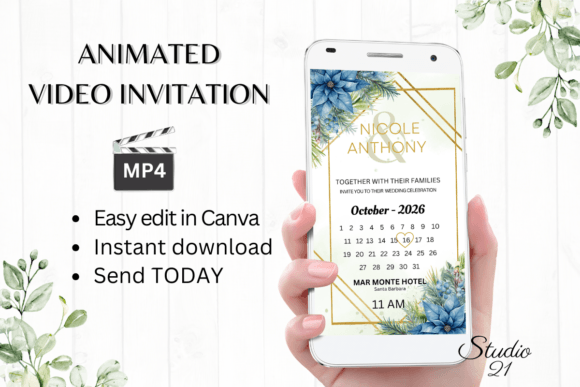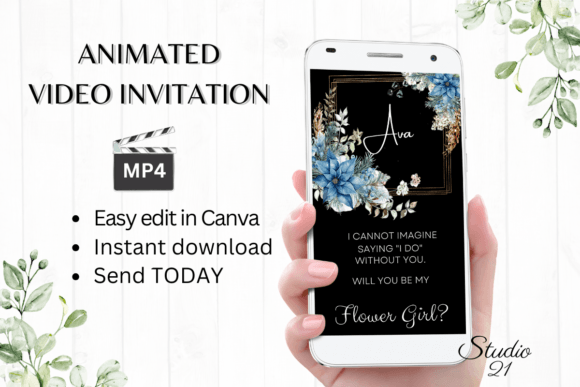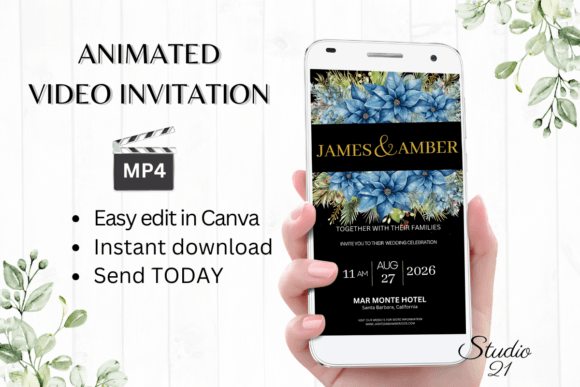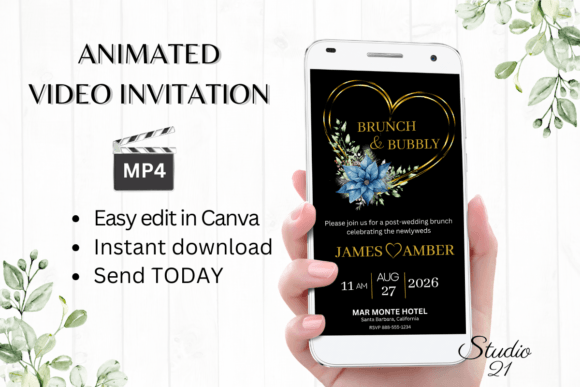
Streamlining Your Holiday Nuptials with the Christmas Wedding Brunch Invite W9219
The period between a wedding ceremony and the reception, or the morning-after gathering for out-of-town guests, is often the most logistically complex part of event planning. For couples marrying during the holiday season, this complexity multiplies. The Christmas Wedding Brunch Invite W9219 addresses a specific niche in event communication: the need for rapid, high-quality, and festive digital dissemination of post-wedding gathering details. This template is not merely a graphic asset; it is a workflow tool designed to reduce administrative friction during one of the busiest times of the year.
In modern event management, the shift from physical paper goods to digital evites is driven by efficiency and environmental considerations. However, many digital templates lack the flexibility required for personalized branding or the dynamic engagement of animated content. The W9219 template bridges this gap by offering a fully editable, animated video invitation that integrates seamlessly into existing digital communication channels. Understanding how to leverage this asset within your broader wedding planning timeline can significantly enhance guest experience and reduce planner stress.
Integrating Digital Invitations into the Wedding Workflow
Effective wedding planning relies on precise timing and clear communication. The deployment of the Christmas Wedding Brunch Invite W9219 should be viewed as a distinct phase in your communication strategy, typically occurring after the main wedding invitations have been sent and RSVPs are being tracked. This secondary layer of communication serves a functional purpose: it provides logistical clarity for guests attending multi-day events.
Unlike static PDFs or image-based invites, the W9219 template utilizes motion graphics. This format captures attention more effectively in crowded digital inboxes and messaging apps. When integrating this into your workflow, consider the following stages:
- Preparation Phase: Before editing, gather all necessary data points. This includes the exact time, location, dress code, and any registry information for the brunch. Having this information ready prevents iterative editing sessions.
- Customization Phase: Using the Canva platform, you will input your specific details. This stage is where the template transitions from a generic asset to a branded communication piece.
- Distribution Phase: Once the MP4 file is generated, it must be distributed through appropriate channels. This requires coordination with your guest list management system to ensure no one is omitted.
This structured approach ensures that the invitation process does not become a bottleneck in your overall planning schedule. By treating the invite as a manageable task with clear inputs and outputs, you maintain momentum in other critical areas such as vendor coordination and seating arrangements.
Technical Usability and Platform Compatibility
One of the primary advantages of the W9219 template is its reliance on cloud-based editing via Canva. This eliminates the need for specialized software installation, font management, or high-end hardware requirements. For professionals and entrepreneurs accustomed to managing projects across multiple devices, this accessibility is crucial. You can begin edits on a desktop computer for precision and finish minor adjustments on a mobile device while on the go.
The template is designed with a 1080x1920 pixel aspect ratio, optimized for vertical viewing on smartphones. This compatibility is essential because the primary distribution methods—SMS, WhatsApp, iMessage, and Instagram Stories—are mobile-first platforms. Sending a horizontally oriented video to these channels often results in poor user experience, requiring recipients to rotate their devices. The vertical format ensures immediate visibility and engagement.
Furthermore, the absence of required downloads for fonts or software reduces technical barriers. All elements are contained within the Canva ecosystem. This ensures consistency in rendering; what you see during the editing process is largely what the end-user will see, mitigating the risk of formatting errors that often plague cross-platform file sharing.
Customization Strategies for Brand Consistency
While the Christmas Wedding Brunch Invite W9219 comes with pre-designed aesthetic elements, effective implementation requires alignment with your wedding’s overall visual identity. Canva’s editing options allow for deep customization without requiring graphic design expertise. You are not limited to the default text; you can modify every textual and visual component to suit your needs.
Key customization areas include:
- Typography and Hierarchy: Adjust font styles, sizes, and colors to match your wedding suite. Ensure that critical information, such as the time and location, is visually prominent. Use bolding or color contrasts to guide the reader’s eye through the animation sequence.
- Animation Dynamics: The template includes preset animation styles. You can alter these to control the pacing of the information reveal. Slower animations may convey elegance, while quicker transitions might feel more energetic. Test different settings to find the balance that reflects your event’s tone.
- Content Flexibility: You have the freedom to add or delete text blocks. If your brunch includes specific activities, such as a gift opening or a casual dress code note, you can insert these details directly. Conversely, if certain elements are irrelevant, removing them declutters the design and improves readability.
It is important to note that colors may vary slightly depending on the device used for viewing. OLED screens, for instance, display blacks and vibrant colors differently than LCD screens. When selecting color palettes, aim for high contrast to ensure legibility across various display technologies.
Efficient Distribution and Guest Engagement
The final output of the editing process is an MP4 video file. This format is universally compatible with nearly all modern communication platforms. The versatility of the MP4 file allows for a multi-channel distribution strategy, ensuring higher open rates compared to traditional email attachments.
For immediate family and close friends, sending the invite via direct messaging apps like WhatsApp or iMessage creates a personal touch. These platforms support native video playback, allowing guests to view the invitation without leaving the app. For broader distribution, you can utilize the link-sharing feature provided by Canva. This generates a web-based link that can be embedded in emails or shared on social media stories.
To maximize efficiency, consider segmenting your guest list. Out-of-town guests who are staying at hotels may require different logistical details than local attendees. While the W9219 template provides a base design, you can create slight variations in the text to address specific groups, then download separate MP4 files for each segment. This targeted approach enhances clarity and reduces follow-up questions from guests.
Quality Control and Final Review
Before mass distribution, a rigorous quality control check is essential. Unlike physical proofs, which require shipping and waiting time, digital proofs are immediate. However, this speed can lead to overlooked errors. Implement a systematic review process:
- Spell Check: Verify all names, dates, and addresses. A typo in a digital invite is easily corrected but can cause confusion if discovered late.
- Timing Review: Watch the full animation multiple times. Ensure that text appears long enough to be read comfortably. If the animation moves too quickly, guests may miss key details.
- Device Testing: Send the test MP4 to different devices (iOS, Android, desktop) to verify playback quality and audio settings, if applicable. Ensure the file size is manageable for quick loading over cellular data.
The User Guide and Canva instructions included in the download provide technical support for these steps. Referencing these materials can help troubleshoot any platform-specific issues that may arise during the editing or exporting phase.
Long-Term Value and Sustainability
Adopting digital solutions like the Christmas Wedding Brunch Invite W9219 aligns with sustainable practices. By eliminating paper, ink, and postage, you reduce the environmental footprint of your event. Additionally, the digital nature of the invite allows for last-minute updates. If the brunch time changes due to unforeseen circumstances, you can edit the template and redistribute the updated MP4 instantly, a flexibility impossible with printed stationery.
Moreover, the skills acquired in using Canva for this template are transferable. The familiarity with layer management, text animation, and export settings can be applied to future projects, whether personal or professional. For entrepreneurs and creators, this represents an upskilling opportunity within a low-stakes environment.
In conclusion, the Christmas Wedding Brunch Invite W9219 is more than a decorative element; it is a strategic tool for efficient event communication. By understanding its integration into your planning workflow, leveraging its customization capabilities, and executing a targeted distribution strategy, you ensure a smooth and engaging experience for your guests. The immediacy of access, combined with the professionalism of the output, makes it an ideal choice for modern, tech-savvy couples navigating the complexities of holiday weddings.