Mastering the Retro Text Style Effect in Modern Design Workflows
The visual language of design is cyclical. Just as fashion trends revisit the silhouettes of previous decades, graphic design continually draws inspiration from the past to create something fresh for the present. Among the most enduring and versatile aesthetics is the Retro Text Style Effect. This design approach captures the nostalgia of mid-20th-century typography, vintage signage, and classic print media, blending it with modern digital precision. For creators, marketers, and business owners, understanding how to implement these styles efficiently is no longer just a artistic preference—it is a strategic advantage.
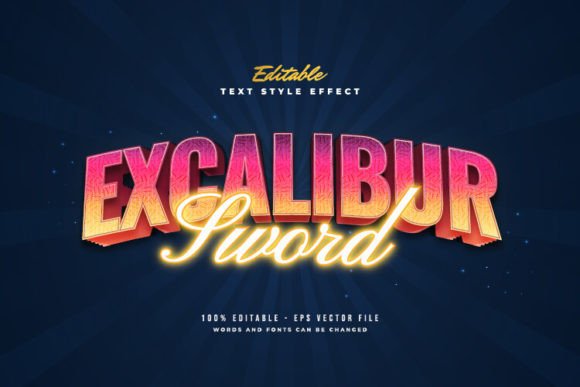
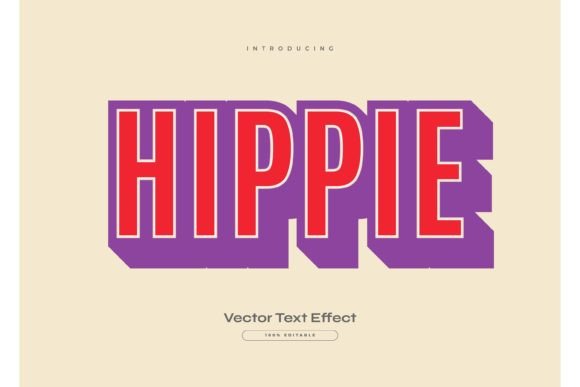
In an era where digital saturation is high, audiences crave authenticity and tactile warmth. A well-executed retro text effect provides that human touch, standing out against the sterile minimalism that has dominated tech interfaces for years. However, creating these complex layered effects from scratch in software like Adobe Illustrator can be time-consuming. This is where pre-designed, editable assets become invaluable. By utilizing resources such as the Adobe Illustrator Text Style Effect – 100 Editable Words, Fonts, Size, and Effect, designers can streamline their workflow without sacrificing quality or customization.
The Evolution of Nostalgia in Digital Branding
The resurgence of retro aesthetics is not merely a fleeting trend; it is a response to changing consumer psychology. As we navigate an increasingly automated and AI-driven world, there is a growing appreciation for designs that feel handcrafted, imperfect, and historically grounded. The Retro Text Style Effect taps into this desire by evoking memories of simpler times, whether through the bold slab serifs of the 1970s, the neon-soaked gradients of the 1980s, or the quirky geometric shapes of the 1950s.
For businesses, this shift means that branding must do more than communicate information; it must evoke emotion. A coffee shop using a vintage-inspired logo suggests tradition and artisanal quality. A tech startup using a playful, retro-futuristic font might signal innovation rooted in classic creativity. The key lies in execution. Poorly applied retro effects can look dated or kitschy, while professionally crafted effects add depth and character.
This is why the distinction between a font and a text effect is crucial. Many beginners confuse the two, assuming that downloading a "retro font" is sufficient. However, a true Retro Text Style Effect involves multiple layers, shadows, outlines, textures, and color gradients that a single font file cannot provide. This complexity is what gives the text its three-dimensional presence and visual weight.
Efficiency in Creative Workflows: The Power of Editable Assets
Time is the most scarce resource for modern creatives. Freelancers, agency designers, and in-house marketing teams often face tight deadlines that leave little room for experimenting with complex layer structures in Adobe Illustrator. Traditionally, creating a high-quality retro text effect required hours of manual adjustment: setting up offset paths, managing appearance panels, and fine-tuning gradient meshes.
This is where the value of pre-built, editable templates becomes evident. The Adobe Illustrator Text Style Effect – 100 Editable Words, Fonts, Size, and Effect package offers a solution that bridges the gap between custom design and speed. Because these are vector-based EPS files, they maintain infinite scalability without losing resolution. More importantly, they are designed for ease of use. The promise of being able to "just click and change the texts" transforms a potentially hour-long task into a matter of seconds.
Consider the practical implications for a social media manager who needs to create ten different quote graphics for Instagram. Instead of designing each text effect from scratch, they can apply their brand’s message to one of the 100 pre-set styles, adjust the colors to match their palette, and export the final image. This efficiency allows professionals to focus on strategy and content creation rather than getting bogged down in technical execution.
Understanding the Technical Distinction: Effect vs. Font
A critical point for users to understand is that this product is a Text Font Effect Design, Not a Font. This distinction is vital for proper usage and expectations. A font is a typeface file (such as .OTF or .TTF) that installs on your operating system and allows you to type characters in a specific style. A text effect, however, is a collection of vector objects and appearance attributes applied to standard text.
Why does this matter? Because it offers unparalleled flexibility. Since the underlying structure is built using standard Adobe Illustrator tools, you are not locked into a specific typeface. You can change or use any font you like. Whether you prefer a clean sans-serif for a modern-retro look or a heavy serif for a Victorian vibe, the effect adapts to the geometry of the letters. This interoperability ensures that the design remains consistent with your broader brand identity.
Furthermore, because the files are provided in EPS format, they are compatible with a wide range of vector editing software, not just Adobe Illustrator. While Illustrator is the industry standard, users of CorelDRAW or Affinity Designer can also import and edit these files, making them a versatile asset for diverse creative teams.
Practical Applications Across Industries
The versatility of the Retro Text Style Effect means it has applications far beyond personal art projects. Here is how different professionals can leverage these editable assets:
- Marketers and Advertisers: Create eye-catching headlines for digital ads, email newsletters, and landing pages. Retro styles often have higher click-through rates because they break the pattern of standard corporate design.
- Entrepreneurs and Small Business Owners: Design professional-looking logos, business cards, and packaging labels without hiring an expensive agency. The ability to edit text instantly allows for rapid prototyping of brand ideas.
- Educators and Content Creators: Enhance presentation slides, educational materials, and YouTube thumbnails. Engaging visuals help retain audience attention, and retro typography adds a layer of personality to educational content.
- Print-on-Demand Sellers: Generate unique designs for t-shirts, mugs, and posters. The high-resolution EPS files ensure that prints remain crisp and clear, regardless of the product size.
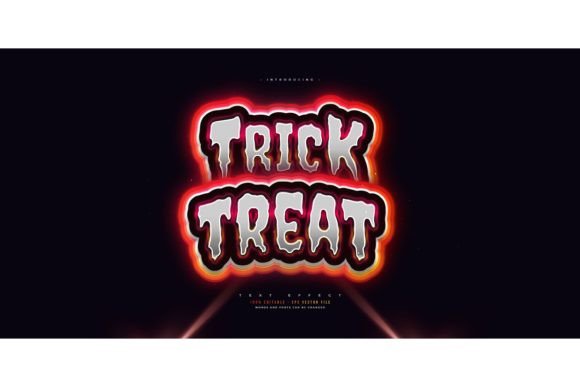
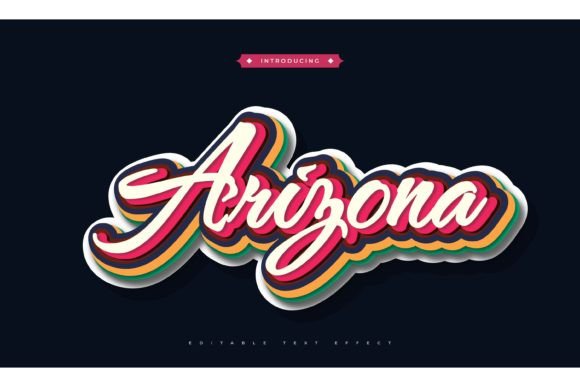
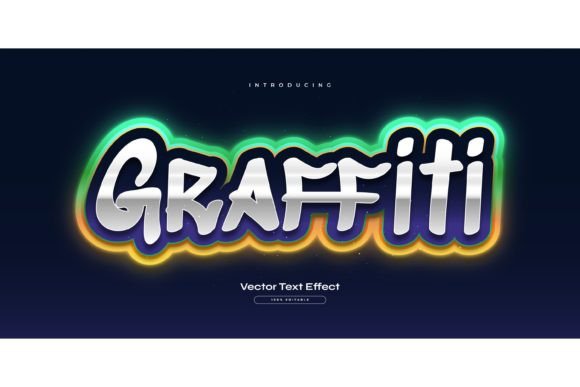
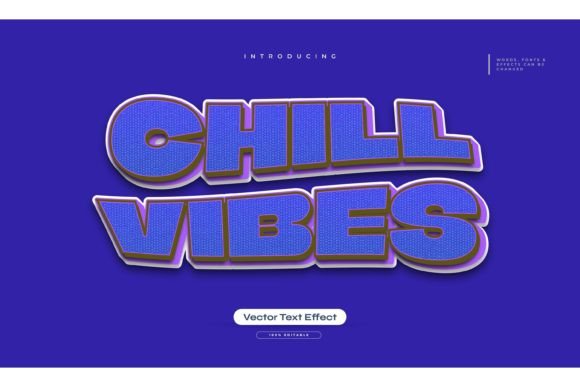
Each of these use cases benefits from the inclusion of JPG previews. Before purchasing or committing to a design direction, users can quickly browse the 100 available styles to find the perfect match for their project. This visual cataloging saves time and reduces decision fatigue.
Customization and Brand Consistency
One of the common concerns when using pre-made assets is the fear of looking generic. However, the true power of these editable effects lies in customization. While the base structure provides the retro aesthetic, the final look is determined by your choices in color, font, and scale.
To maintain brand consistency, consider the following recommendations:
- Adapt the Color Palette: Do not rely solely on the default colors provided in the template. Use the eyedropper tool to sample colors directly from your brand guidelines. This ensures that the retro effect feels integrated into your overall visual identity.
- Select Appropriate Typography: Match the font choice to the era you are emulating. For a 1950s diner look, choose a script or rounded sans-serif. For a 1980s arcade vibe, opt for blocky, geometric fonts. The effect will enhance the font’s inherent characteristics.
- Adjust Scale and Proportion: Retro effects often rely on thick outlines and shadows. Ensure that the text is large enough for these details to be visible. If the text is too small, the intricate layers may blur together, losing their impact.
By treating these templates as a starting point rather than a final product, creators can produce work that is both efficient and unique. The Adobe Illustrator Text Style Effect package serves as a toolkit, empowering users to build upon a solid foundation of professional design principles.
Looking Ahead: The Enduring Appeal of Retro Design
As technology continues to advance, the counter-movement towards analog and vintage aesthetics shows no signs of slowing down. We are seeing a blend of old and new, where retro textures are applied to futuristic layouts, and classic typography is used in digital-first environments. This hybrid approach keeps design feeling fresh while maintaining a connection to historical context.
For professionals, staying ahead means mastering the tools that allow for rapid adaptation. Having a library of high-quality, editable retro text effects enables designers to pivot quickly between trends and client needs. It represents a shift in how we view design assets—not as static images, but as flexible components in a dynamic creative process.
In conclusion, the Retro Text Style Effect is more than a stylistic choice; it is a powerful communication tool. By leveraging editable, vector-based resources, creators can harness the emotional resonance of nostalgia while maintaining the efficiency required in today’s fast-paced digital landscape. Whether you are a seasoned designer or a business owner handling your own marketing, integrating these effects into your workflow can elevate your visual content, save valuable time, and connect more deeply with your audience.