Mastering the Colorful 3D Vintage Text Effect for Modern Design Projects
In the ever-evolving landscape of graphic design, trends often cycle back to pay homage to previous eras. Currently, there is a significant resurgence in retro aesthetics, particularly those that blend nostalgic charm with modern dimensional depth. The Colorful 3D Vintage Text Effect stands at the intersection of these two worlds, offering designers a powerful tool to create eye-catching typography that feels both timeless and contemporary. Whether you are crafting social media graphics, designing packaging, or creating bold headlines for digital advertisements, understanding how to leverage this specific style can elevate your visual communication significantly.
This article explores the practical applications of this text effect, addressing common design challenges and providing actionable insights on how to implement it efficiently using editable resources. By focusing on usability and creative flexibility, we aim to help you integrate this vibrant style into your workflow seamlessly.
Understanding the Appeal of Retro Dimensionality
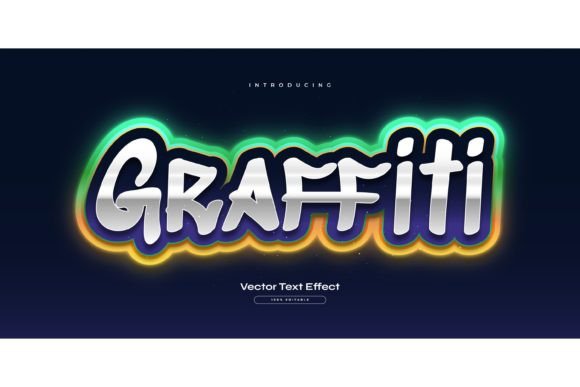
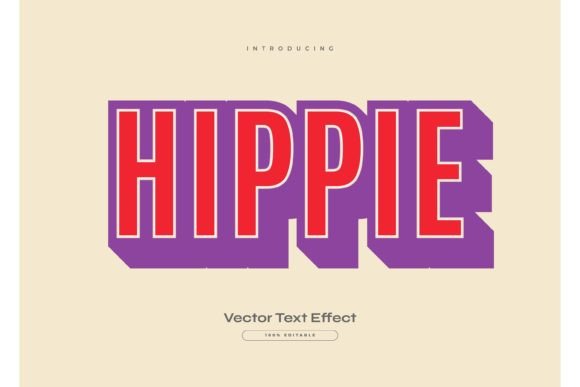
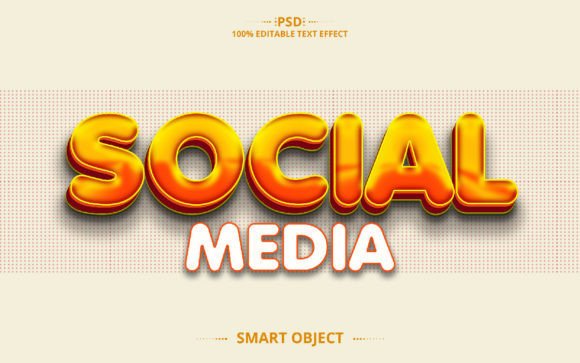
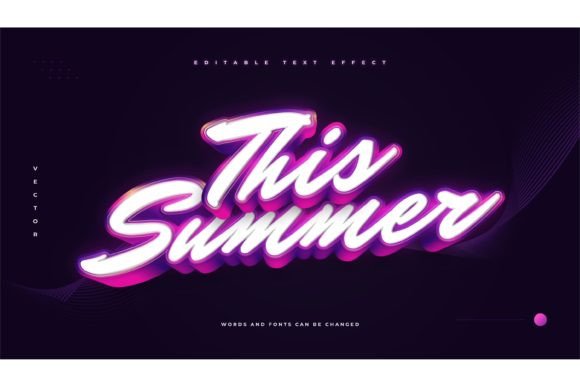
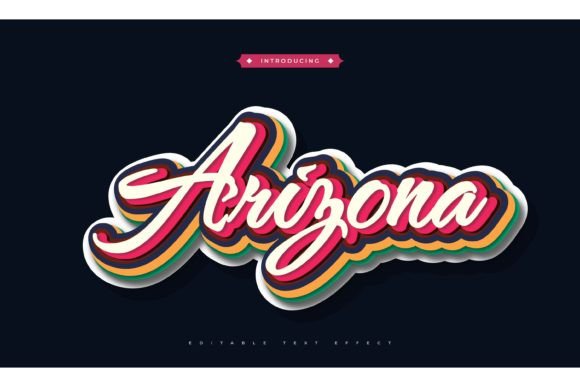
The Colorful 3D Vintage Text Effect is not merely a font; it is a comprehensive stylistic treatment applied to typography. It combines the playful, saturated palettes of mid-20th-century advertising with the structural depth of three-dimensional rendering. This combination creates a visual pop that flat design often lacks. The "vintage" aspect brings a sense of warmth, authenticity, and nostalgia, while the "3D" component adds weight and presence, ensuring the text commands attention.
Designers often struggle to balance readability with artistic flair. Flat, minimalist fonts can sometimes feel sterile or get lost against busy backgrounds. Conversely, overly complex illustrations can distract from the message. This text effect solves that dilemma by providing a structured, high-contrast solution that remains legible while delivering a strong aesthetic impact. It allows the text itself to become the primary graphic element, reducing the need for additional imagery or clutter.
Overcoming Common Design Bottlenecks
Creating a high-quality 3D vintage look from scratch in software like Adobe Illustrator is technically demanding. It involves multiple steps, including extruding paths, managing complex gradient meshes, applying precise shadows, and selecting harmonious color palettes. For many professionals, especially those working under tight deadlines, building these effects manually is inefficient. This is where pre-designed, editable assets become invaluable.
When you utilize a resource package labeled as a Colorful 3D Vintage Text Effect, you are essentially bypassing the technical construction phase. Instead of spending hours adjusting anchor points and blending modes, you can focus on the creative application. The key benefit here is speed without sacrificing quality. These assets are typically constructed with non-destructive editing in mind, meaning you can alter the content while preserving the intricate visual details that make the effect desirable.
It is crucial to note that these packages are Text Font Effect Designs, not fonts themselves. This distinction is important for users who might expect to install a typeface. Instead, you are receiving a styled template where the geometry and effects are already built. You simply replace the placeholder text with your own, and the effect updates automatically. This approach offers greater flexibility because you are not locked into a single typeface; you can swap in any font you prefer, allowing for endless customization.
Practical Applications Across Industries
The versatility of the Colorful 3D Vintage Text Effect makes it suitable for a wide range of industries and projects. Here are several scenarios where this style excels:
- Social Media Marketing: In feeds dominated by scrolling users, static images need to grab attention instantly. The bold colors and depth of this effect make quotes, announcements, and sale alerts stand out against the white space of platforms like Instagram and Facebook.
- Product Packaging: Brands looking to evoke a sense of heritage or fun can use this effect on labels for food, beverages, and cosmetics. The vintage vibe suggests quality and tradition, while the 3D aspect adds a premium feel.
- Event Posters and Flyers: For music festivals, retro-themed parties, or art exhibitions, this typography sets the tone immediately. It communicates energy and creativity before the viewer even reads the details.
- Web Headers and Banners: Digital ads benefit from the high contrast provided by the 3D shadows and bright colors, improving click-through rates by making the call-to-action visually distinct.
By integrating these pre-made effects, designers can maintain brand consistency across various mediums. The ability to edit colors means you can align the vintage palette with specific brand guidelines, ensuring that the nostalgic feel does not clash with corporate identity.
Implementation: How to Use Editable Text Effects
Getting started with these assets is straightforward, provided you have the right software. Most high-quality Colorful 3D Vintage Text Effect packages are designed for Adobe Illustrator, leveraging its robust vector capabilities. Here is a general workflow for implementation:
- Open the File: Launch the included EPS file in Adobe Illustrator. EPS (Encapsulated PostScript) is ideal because it preserves vector data, ensuring your text remains crisp at any size.
- Select the Text Layer: Locate the placeholder text. In well-structured files, this will be on a separate, easily accessible layer.
- Edit the Content: Type your desired message. Because the effect is linked to the text object, the 3D extrusion and styling should update automatically to match the new character count and shape.
- Customize Fonts: If the default font does not suit your project, highlight the text and change the typeface. Remember, since this is an effect design and not a font file, you can use any font installed on your system. Serif fonts may enhance the vintage feel, while sans-serifs can modernize the look.
- Adjust Colors: Use the selection tool to modify the fill and stroke colors. This allows you to tailor the "colorful" aspect to match your specific project requirements, whether you need pastels for a soft look or neon hues for high energy.
- Export: Once satisfied, save your work. You can export as JPG for web use or keep it as EPS/PDF for print production.
The inclusion of JPG previews in these packages is also a helpful feature. It allows you to quickly browse through the available styles and variations without opening each file individually, saving time during the selection process.
Tailoring the Approach for Different Users
Different users will interact with the Colorful 3D Vintage Text Effect in unique ways based on their skill levels and needs.
For Beginners: The primary advantage is accessibility. You do not need advanced knowledge of 3D modeling or complex gradient tools. The "click and change" functionality democratizes high-end design, allowing novices to produce professional-looking results. The recommendation here is to experiment with different fonts to see how they interact with the preset effects. Some fonts may require minor manual adjustments to spacing or scaling to fit perfectly within the 3D structure.
For Experienced Designers: The value lies in efficiency and modularity. Professionals can use these effects as a base layer and then further customize them. You might add texture overlays, adjust the lighting angles, or combine multiple text effects to create a composite image. The editable nature of the EPS files means you have full control over every anchor point and path, allowing for deep customization if the preset does not fully meet your vision.
For Business Owners and Marketers: The focus is on brand agility. Having a library of editable text effects allows for rapid content creation. When a timely marketing opportunity arises, you can produce polished graphics in minutes rather than days. It is advisable to create a few standardized color variations that align with your brand palette, so you always have ready-to-use templates on hand.
Maximizing the Impact of Your Design
To get the most out of your Colorful 3D Vintage Text Effect, consider the context in which it will be viewed. On small mobile screens, ensure that the text is large enough for the 3D details to be appreciated. On large format prints, check that the resolution and vector paths are clean to avoid pixelation or jagged edges.
Additionally, think about contrast. While the effect is colorful, it needs to stand out against its background. Placing these vibrant, shadowed texts on neutral or complementary backgrounds usually yields the best results. Avoid placing them over busy patterns that might compete with the intricate details of the 3D extrusion.
Finally, remember that typography is communication. While the visual appeal of the vintage 3D style is strong, ensure that the message remains clear. Do not let the effect overshadow the words. The goal is to enhance readability and engagement, not to obscure the content.
In conclusion, the Colorful 3D Vintage Text Effect is a versatile and powerful resource for modern designers. By combining nostalgic aesthetics with dimensional depth, it offers a unique way to capture attention and convey personality. With the right editable tools, you can streamline your design process, overcome technical barriers, and produce stunning visuals that resonate with your audience. Whether you are a novice looking to improve your designs or a professional seeking efficiency, integrating these effects into your toolkit can lead to more dynamic and effective visual communication.