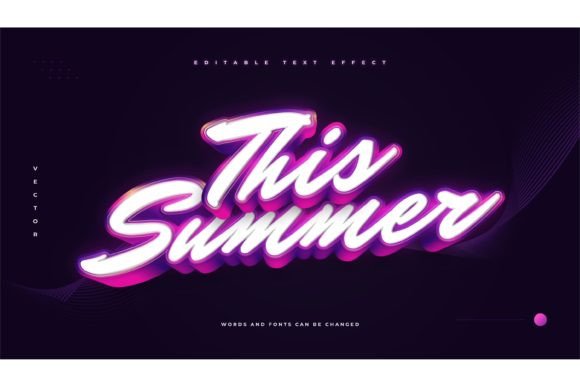
Mastering 3D White and Purple Text Effects in Adobe Illustrator: A Comprehensive Guide to Modern Typography Design
In the vibrant world of digital design, typography is far more than just arranging letters on a page. It is a powerful visual tool that communicates mood, brand identity, and artistic intent. Among the myriad of styles available today, the 3D White and Purple Text Effect has emerged as a striking trend, blending clean minimalism with bold, futuristic aesthetics. For designers, marketers, and content creators, understanding how to leverage this specific style can significantly elevate visual projects. This article explores the nuances of this effect, its practical applications, and how utilizing pre-made templates can streamline your creative workflow.
The Visual Appeal of White and Purple Typography
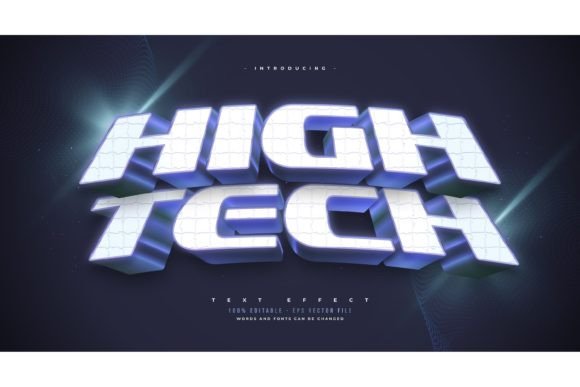
Color psychology plays a pivotal role in design. Purple is often associated with creativity, luxury, wisdom, and mystery. When paired with white, which symbolizes purity, clarity, and simplicity, the combination creates a high-contrast visual that is both eye-catching and sophisticated. Adding a three-dimensional (3D) layer to this color scheme introduces depth and realism, making the text pop off the screen or page.
This specific aesthetic is particularly effective in modern digital environments. Whether used for YouTube thumbnails, social media headers, or promotional banners, the 3D white and purple style commands attention. It bridges the gap between playful creativity and professional polish, making it versatile for various industries, from tech startups to lifestyle brands.
Why Choose a Pre-Made Text Effect Template?
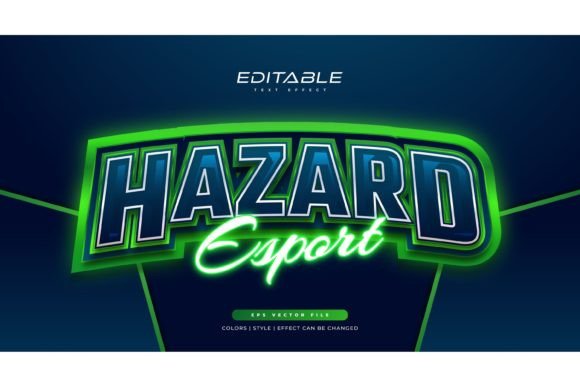
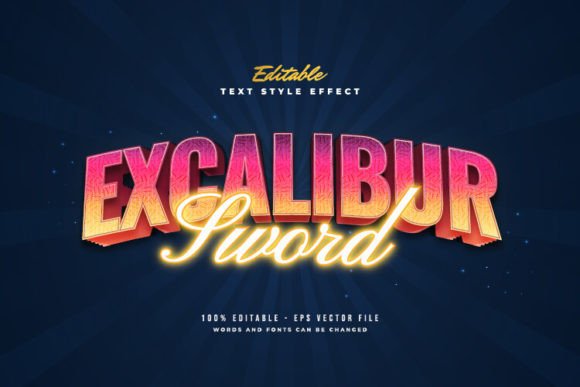
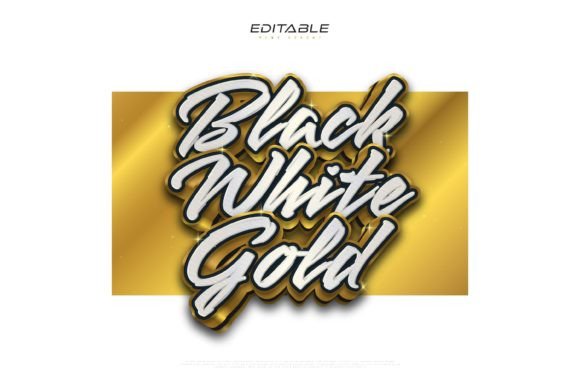
Creating complex 3D effects from scratch in Adobe Illustrator can be time-consuming. It requires a deep understanding of lighting, shading, perspective, and layer management. This is where resources like the Adobe Illustrator Text Style Effect – 100 Editable Words become invaluable. These templates are not fonts; rather, they are sophisticated design assets that allow you to apply a pre-configured visual style to any text you choose.
For beginners, this lowers the barrier to entry, allowing them to produce professional-grade graphics without years of training. For experienced designers, it offers a significant time-saving advantage, enabling rapid prototyping and consistent branding across multiple projects. The ability to simply click and change the texts means you can iterate on designs quickly, testing different messages without rebuilding the effect each time.
Understanding the Technical Components
To fully appreciate the value of these templates, it is helpful to understand what goes into them. A high-quality 3D text effect in Illustrator typically involves several layers:
- Base Typography: The underlying font structure. Since the template allows you to use any font, the choice of typeface becomes crucial. Bold, sans-serif fonts often work best for 3D effects as they provide enough surface area for shadows and highlights.
- Extrusion and Depth: This gives the text its three-dimensional quality. In a white and purple scheme, the extrusion might feature a darker shade of purple to simulate shadow, enhancing the 3D illusion.
- Lighting and Gradients: Realistic 3D objects interact with light. The white portions of the text likely utilize subtle gradients to mimic reflections, while the purple elements may have varying opacity levels to create depth.
- Drop Shadows and Glows: These finishing touches help separate the text from the background, ensuring readability and visual impact.
When you download a package that includes EPS files and JPG previews, you are getting a vector-based asset. EPS (Encapsulated PostScript) is ideal because it is scalable without loss of quality. This means you can use the text effect on a small business card or a massive billboard, and it will remain crisp and clear.
Practical Applications in Modern Design
The versatility of the 3D white and purple text effect makes it suitable for a wide range of applications. Here are some common scenarios where this style shines:
- Social Media Content: In feeds cluttered with images, bold 3D text stops the scroll. Instagram stories, Facebook ads, and Pinterest pins benefit from the high contrast and modern look.
- Video Thumbnails: YouTubers and streamers often use 3D text to highlight key topics. The purple hue stands out against many background colors, while the white ensures legibility even at small sizes.
- Presentation Decks: Corporate and educational presentations can feel dry. Incorporating stylish 3D headers can make slides more engaging and memorable.
- E-commerce Promotions: Sale banners and product launches gain urgency and excitement with dynamic typography. The "luxury" connotation of purple can also elevate perceived product value.
How to Use and Customize the Effect
One of the most common misconceptions about text effect templates is that they are rigid or difficult to modify. However, a well-designed Adobe Illustrator Text Style Effect is built for ease of use. Here is a general workflow for utilizing such a template:
First, open the included EPS file in Adobe Illustrator. You will see the pre-set text, perhaps displaying a word like "SAMPLE" or "HELLO." The key feature here is editability. Simply double-click the text object or use the Type Tool to select the characters. Delete the existing text and type your desired message. Because the effect is applied via styles or appearance panels, the new text should automatically inherit the 3D white and purple styling.
Font Flexibility: Remember, this is a Text Font Effect Design, Not a Font. This distinction is critical. You are not installing a new typeface on your system. Instead, you are applying a visual treatment. This means you can switch from a bold geometric sans-serif to a elegant serif font, and the 3D effect will adapt. This flexibility allows you to match the typography to your specific brand guidelines or project tone.
Adjusting Size and Color: While the template provides a default look, you are not locked in. If your project requires a lighter lavender instead of deep purple, you can easily adjust the color values in the Appearance panel. Similarly, scaling the text is seamless due to the vector nature of the file. You can resize the text to fit any layout constraint without pixelation.
Tips for Maximizing Impact
To get the most out of your 3D text effects, consider the following best practices:
- Contrast is Key: Ensure your background contrasts well with the white and purple text. A dark background often makes white text pop, while a light background may require a drop shadow to maintain visibility.
- Less is More: 3D effects are visually heavy. Use them for headlines, short phrases, or key data points. Avoid using them for long paragraphs, as the complexity can reduce readability.
- Consistency: If you are creating a series of graphics, stick to the same font family and effect settings to maintain a cohesive brand identity.
- Check Legibility: Always preview your design at actual size. What looks good on a large monitor might be hard to read on a mobile device. Adjust the stroke weight or shadow intensity if necessary.
The Importance of File Formats: EPS and JPG
When downloading design assets, understanding file formats is essential. The inclusion of EPS and JPG files in this package serves two distinct purposes.
The EPS file is your working file. It contains all the vector data, layers, and editable properties. This is the file you will open in Illustrator to customize the text, change fonts, and adjust colors. It preserves the quality and flexibility of the design.
The JPG preview, on the other hand, is a raster image. It is useful for quick references, sharing concepts with clients who do not have Illustrator, or using in applications that do not support vector files. While you cannot edit the text in a JPG, it provides an immediate visual representation of the final effect, helping you decide if the style fits your project before you dive into the editing process.
Conclusion
The 3D White and Purple Text Effect represents a fusion of modern design trends and practical utility. By leveraging pre-made Adobe Illustrator Text Style Effects, designers of all skill levels can create stunning, professional-looking typography with minimal effort. The ability to easily edit text, swap fonts, and adjust sizes makes these templates a powerful addition to any creative toolkit.
Whether you are designing for social media, advertising, or corporate communications, understanding how to use these tools effectively can enhance your visual storytelling. Remember, the goal is not just to make text look good, but to communicate clearly and engage your audience. With the right resources and a bit of creative experimentation, you can master this striking aesthetic and elevate your design projects to new heights.
For those looking to expand their design capabilities, exploring these editable templates is a smart first step. They offer a hands-on way to learn about 3D typography, color theory, and vector editing, all while producing high-quality results. Embrace the flexibility, experiment with different fonts, and let the vibrant combination of white and purple bring your ideas to life.