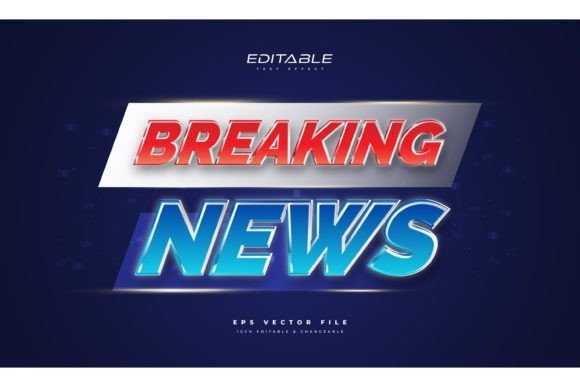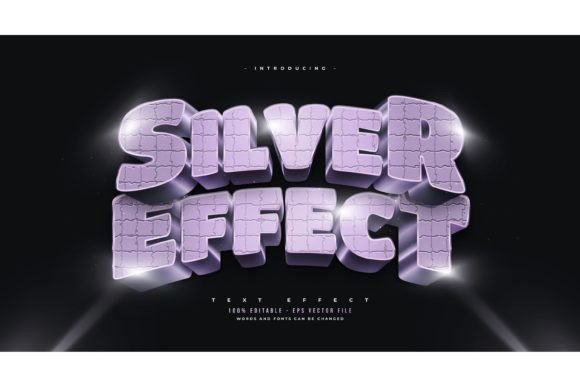
Mastering the Cool Breaking News Text Effect in Adobe Illustrator
In the fast-paced world of digital media, capturing attention within the first few seconds is not just an advantage; it is a necessity. Whether you are designing for social media stories, YouTube thumbnails, or broadcast graphics, the visual impact of your typography can make or break engagement. This is where the Cool Breaking News Text Effect comes into play. It is more than just a stylistic choice; it is a strategic design element that conveys urgency, importance, and excitement.
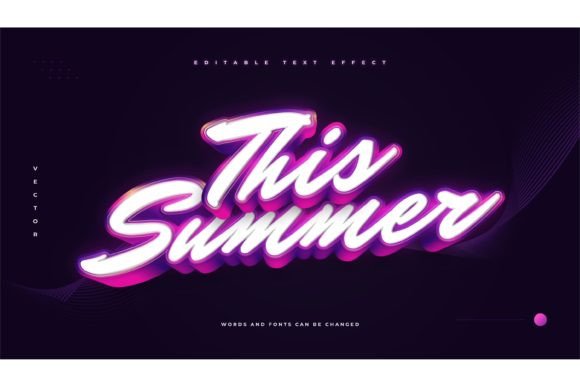
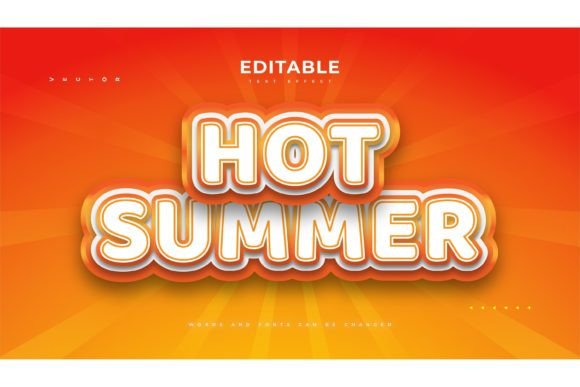
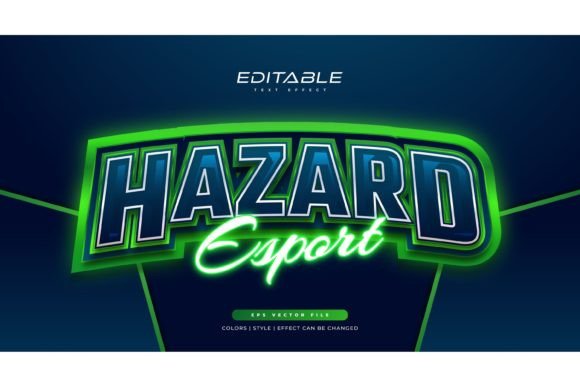
For designers who need to produce high-quality visuals quickly without sacrificing creativity, utilizing pre-made, fully editable text effects is a game-changer. Specifically, the Adobe Illustrator Text Style Effect – 100 Editable Words, Fonts, Size, and Effect package offers a robust solution. It allows creators to bypass the tedious process of building complex layer styles from scratch, providing a streamlined workflow that is both efficient and professional.
Why the Breaking News Aesthetic Matters
The "breaking news" aesthetic has transcended traditional television broadcasts. Today, it is a ubiquitous visual language used across marketing, entertainment, and content creation. The bold, high-contrast, and often dynamic nature of these text styles triggers an immediate psychological response in viewers. It signals that the information presented is current, critical, and worth stopping for.
When you incorporate a Cool Breaking News Text Effect into your designs, you are leveraging this established visual cue. However, achieving this look manually in Adobe Illustrator can be time-consuming. It involves meticulous adjustments to strokes, shadows, gradients, and perspective transforms. This is why having access to a library of 100 editable words with pre-applied effects is invaluable. It ensures consistency and quality while drastically reducing production time.
Understanding the Product: More Than Just a Font
It is crucial to clarify a common misconception: this product is a Text Font Effect Design, Not a Font. This distinction is vital for users expecting to install a new typeface into their system. Instead, you are receiving a collection of vector-based graphic styles applied to text objects within Adobe Illustrator files.
Why is this beneficial? Because it offers unparalleled flexibility. Since the effect is applied to the text object rather than being baked into a font file, you retain full control over the typography. You can change or use any font you like. Whether you prefer the clean lines of Helvetica, the bold impact of Impact, or the elegance of a serif typeface, the effect adapts seamlessly. This versatility ensures that your design remains on-brand while still benefiting from the dramatic flair of the breaking news style.
Key Features and Workflow Benefits
The core value proposition of this asset pack lies in its ease of use and comprehensive customization options. Let’s delve into the specific features that make it a staple for modern designers.
- 100 Editable Words: The package includes a wide variety of common phrases and single words used in headlines, such as "BREAKING," "NEWS," "EXCLUSIVE," "LIVE," and "UPDATE." Having these pre-designed means you rarely have to start from zero.
- Fully Customizable: Every element is editable. You can adjust the size, color, font family, and even the underlying effect parameters. This ensures that the text fits perfectly into your specific composition.
- Easy to Edit: The workflow is designed for speed. Just click and change the texts. There is no need to navigate complex appearance panels or recreate intricate gradient meshes. This user-friendly approach makes it accessible for both seasoned professionals and beginners.
- High-Quality Files Included: The package provides both EPS and JPG Preview files. The EPS format ensures that your vectors remain crisp and scalable to any size, from a small social media icon to a large billboard, without losing resolution.
Integrating into Modern Design Workflows
In today’s content economy, speed is often as important as quality. Social media managers, video editors, and graphic designers are constantly under pressure to deliver fresh content daily. The Cool Breaking News Text Effect fits seamlessly into this agile workflow.
Imagine you are creating a YouTube thumbnail for a trending topic. Instead of spending thirty minutes crafting a custom text effect, you can open the EPS file, select the "TRENDING" preset, swap the font to match your channel’s branding, adjust the colors to align with your thumbnail’s palette, and export. The entire process takes minutes. This efficiency allows you to focus more on the creative concept and less on technical execution.
Furthermore, because the files are vector-based (EPS), they integrate smoothly with other Adobe Creative Cloud applications. You can copy and paste the text directly into Photoshop for raster-based editing or into After Effects for motion graphics. This interoperability is essential for multi-platform campaigns where the same asset might need to be adapted for static images, videos, and web banners.
Practical Applications Across Industries
The utility of these text effects extends far beyond news organizations. Here are several scenarios where the Cool Breaking News Text Effect can elevate your projects:
- Social Media Marketing: Use bold, attention-grabbing text to announce flash sales, limited-time offers, or new product launches. The urgency conveyed by the style can drive higher click-through rates.
- Content Creation: YouTubers and streamers can use these effects to create consistent, professional-looking thumbnails and overlays. The "Live" or "Just In" styles are particularly effective for real-time content.
- Corporate Communications: Internal newsletters or company announcements can benefit from a polished, urgent look when sharing critical updates or achievements.
- Event Promotion: For concerts, conferences, or webinars, using dynamic text effects can create excitement and convey the energy of the event.
Considerations for Best Results
While the tool is powerful, achieving the best results requires a keen eye for design principles. Here are some recommendations to keep in mind:
Contrast is Key: The breaking news style relies heavily on high contrast. Ensure that your text color stands out sharply against the background. If the background is busy, consider adding a drop shadow or a solid backing plate to the text to maintain readability.
Font Selection Matters: Although you can use any font, bold, sans-serif typefaces typically work best for this aesthetic. They convey strength and clarity. However, don’t be afraid to experiment with serif fonts for a more classic or authoritative look, especially if you are aiming for a "newspaper" vibe.
Color Psychology: Red and yellow are traditional colors for breaking news because they evoke urgency and caution. However, you should adapt the color scheme to fit your brand identity. A tech company might opt for electric blue and white, while a luxury brand might choose black and gold. The Adobe Illustrator Text Style Effect allows you to change these colors effortlessly.
Final Thoughts on Efficiency and Quality
The Cool Breaking News Text Effect is more than a trendy design element; it is a practical tool for modern creators. By providing 100 editable words with fully customizable styles, it bridges the gap between professional quality and rapid production. The fact that it is a text effect design, not a font, empowers designers to maintain creative control over typography while leveraging pre-built visual complexity.
Whether you are a seasoned graphic designer looking to streamline your workflow or a content creator aiming to boost engagement, this asset pack offers a versatile solution. With files included in EPS and JPG formats, it is ready to integrate into your existing projects immediately. Remember, the goal is not just to inform but to captivate. And with the right tools, capturing attention becomes significantly easier.
Embrace the power of editable, vector-based text effects. Experiment with different fonts, sizes, and colors. Make the Cool Breaking News Text Effect your own, and watch as your designs command the attention they deserve in a crowded digital landscape.