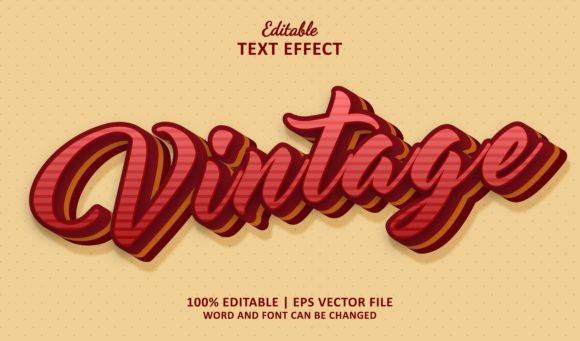
Vintage Text Effect: Editable 3D Style for Illustrator
In the fast-paced world of digital design, trends often cycle back to the aesthetics of the past. There is a profound appeal in the tactile, worn, and authentic look of vintage typography. It evokes nostalgia, trust, and a sense of craftsmanship that modern, sterile fonts often lack. However, achieving this look manually in vector software can be time-consuming and technically demanding. This is where a specialized Text Effect Vintage solution becomes an invaluable asset for designers, marketers, and creators.
This resource is not merely a font file. It is a sophisticated, editable text effect designed specifically for Adobe Illustrator. By leveraging pre-built vector structures, it allows users to apply complex three-dimensional vintage styling to any typeface instantly. The result is a professional-grade aesthetic that maintains scalability and editability, bridging the gap between retro charm and modern workflow efficiency.
Understanding the Mechanics of Vintage Vector Effects
To appreciate the utility of this tool, it is essential to distinguish between a standard font and a vector text effect. A traditional font provides glyphs—letters and numbers—in a flat, two-dimensional format. To achieve a 3D vintage look using only a font, a designer must manually extrude shapes, apply gradients, add noise textures, and adjust lighting effects. This process requires advanced knowledge of Adobe Illustrator’s appearance panel, blending modes, and mesh tools.
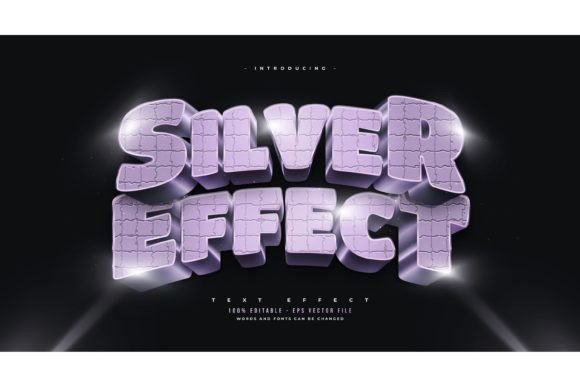
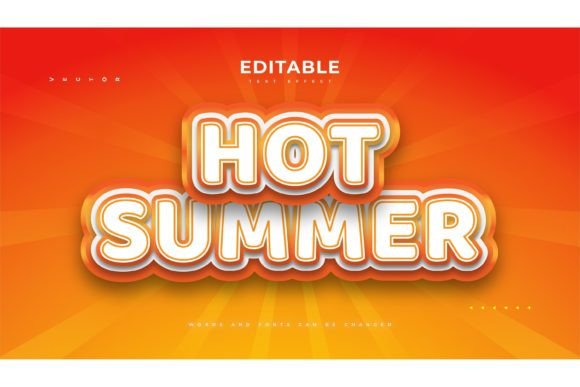
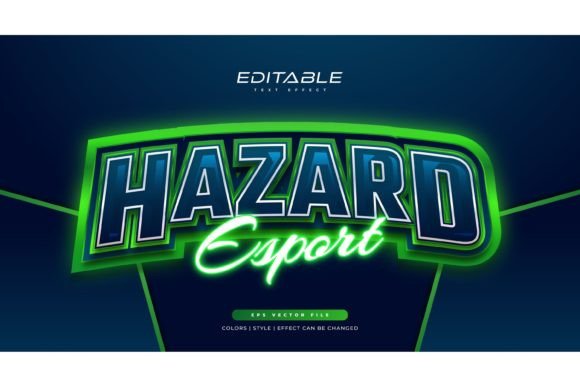
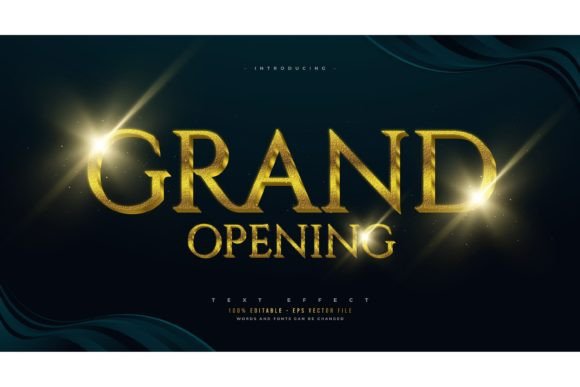
The Vintage editable text effect 3d style Eps simplifies this workflow dramatically. It comes as an EPS file, compatible with Adobe Illustrator CS6 or higher. Because it is built using native vector shapes and effects rather than rasterized pixels, it remains 100% editable. You can change the text, swap the typeface, adjust colors, and scale the design to any size without losing resolution. This flexibility is crucial for professionals who need to adapt designs for various mediums, from small business cards to large-format signage.
Creative Applications Across Industries
The versatility of vintage typography makes it suitable for a wide array of projects. Below are several practical ways different professionals can integrate this effect into their work.
Branding and Identity for Artisan Businesses
Small business owners, particularly those in the food, beverage, and craft industries, often seek branding that communicates heritage and quality. A bakery, coffee roaster, or barber shop can use this 3D vintage effect to create logos that feel established and trustworthy. The depth and shadowing inherent in the effect add weight to the brand name, making it stand out on packaging, storefronts, and social media profiles. By customizing the color palette to match earthy tones or muted pastels, entrepreneurs can reinforce their brand’s narrative of authenticity.
Marketing Materials and Event Promotion
Marketers and event organizers can leverage these effects to create eye-catching posters and flyers. Whether promoting a jazz night, a vintage market, or a historical exhibition, the typography sets the tone before the viewer reads the details. The 3D aspect ensures that the headline grabs attention, while the vintage styling provides context. Since the file is easy to edit, marketing teams can rapidly produce variations for different platforms, ensuring consistency across digital ads and print materials.
Digital Content and Social Media Graphics
For bloggers, influencers, and content creators, visual consistency is key to building an audience. Using a distinct typographic style helps establish a recognizable visual identity. This text effect can be used for YouTube thumbnails, Instagram quotes, or blog headers. The ability to scale the vector ensures that the text remains crisp on high-resolution retina displays. Creators can experiment with different fonts within the effect to match the mood of specific content pieces, from playful and bold to elegant and refined.
Maximizing Design Potential with Customization
While the preset offers a strong starting point, the true power lies in customization. Here are some strategies to keep your results original and audience-friendly.
- Typeface Selection: The underlying font significantly influences the final look. Serif fonts tend to enhance the classic, elegant vibe, while bold sans-serifs can create a mid-century modern industrial feel. Script fonts may require careful adjustment to ensure legibility when combined with heavy 3D effects.
- Color Theory: Vintage does not mean limited to sepia or brown. Experiment with muted teals, mustard yellows, or deep burgundies. Use the editable layers to adjust highlights and shadows separately, creating contrast that aligns with your brand’s color scheme.
- Texture and Overlay: Although the effect is vector-based, you can overlay subtle grain or paper textures in Illustrator to enhance the aged appearance. This adds a layer of realism that resonates with audiences seeking tactile experiences.
- Composition Balance: Because 3D text carries visual weight, balance it with ample white space. Avoid cluttering the design with too many elements. Let the typography serve as the focal point, supporting it with minimal icons or lines.
Technical Workflow and Best Practices
To ensure a smooth design process, keep the following technical considerations in mind. First, verify that you are using Adobe Illustrator CS6 or a newer version. This ensures compatibility with the effects and styles embedded in the EPS file. Upon opening the file, you will find organized layers. Take a moment to understand the structure: typically, there will be separate layers for the base text, the 3D extrusion, shadows, and highlights.
When editing the text, use the Type Tool to replace the placeholder content. If the new text is significantly longer or shorter than the original, you may need to adjust the scaling or kerning to maintain visual balance. Because the effect is scalable, you can resize the entire group without pixelation. However, always expand appearances only when necessary for final output, as keeping the effects live allows for future edits.
For print projects, ensure your document color mode is set to CMYK and that all colors are within the printable gamut. For digital use, RGB mode will provide brighter, more vibrant results. Always save a backup of the original EPS file before making extensive changes, allowing you to revert if needed.
Why Choose an Editable Vector Effect?
In an era where templates are abundant, choosing a high-quality, editable vector effect offers distinct advantages over rasterized PSD files or static images. Vectors are resolution-independent, meaning your design will look sharp on a billboard or a smartphone screen. Furthermore, the ability to edit the text directly within Illustrator streamlines the revision process. Clients or team members can request text changes without requiring a complete redesign.
This approach also supports sustainability in design workflows. Instead of creating unique 3D effects from scratch for every project, designers can build a library of customized variations based on this core effect. This saves time, reduces burnout, and allows for greater focus on strategic creative decisions rather than repetitive technical tasks.
Ultimately, the Text Effect Vintage is more than a stylistic choice; it is a practical tool for efficient, high-quality design. By combining the aesthetic appeal of retro typography with the flexibility of modern vector software, it empowers creators to produce compelling, professional visuals that resonate with audiences. Whether you are designing a logo for a new startup or a poster for a community event, this effect provides the foundation for timeless, impactful communication.