Bringing Back the Neon: Mastering the Colorful 3D 80s Retro Text Effect
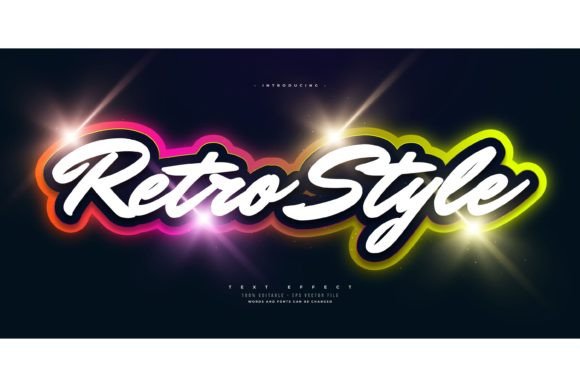
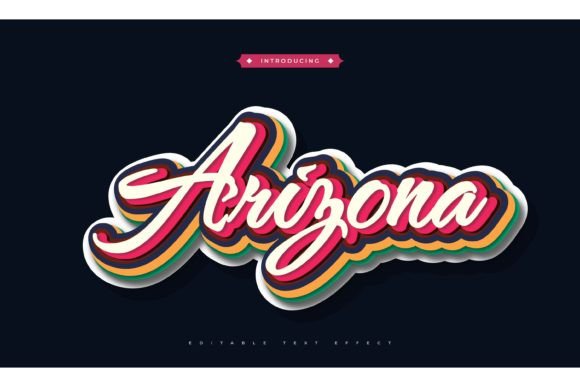
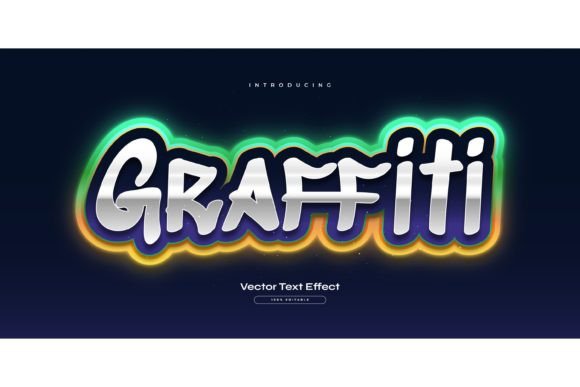
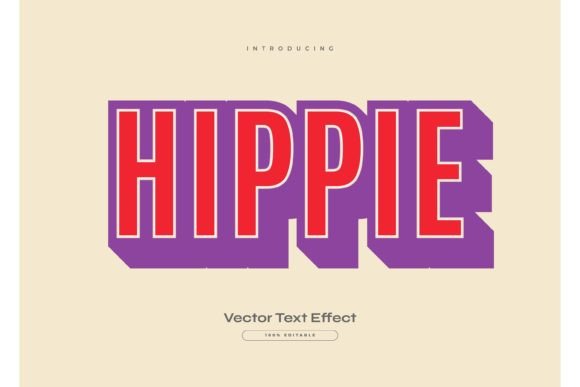
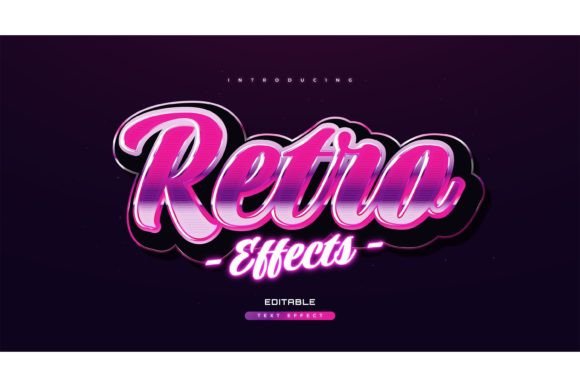
There is a specific kind of nostalgia that hits when you see neon grids, chrome gradients, and bold, blocky typography. It reminds us of arcade cabinets, synth-wave playlists, and a decade that wasn’t afraid to be loud. For modern creators, tapping into this aesthetic isn’t just about looking backward; it is about leveraging a visual style that instantly grabs attention in a crowded digital landscape. This is where a Colorful 3D 80s Retro Text Effect becomes more than just a design trend—it becomes a practical tool for communication.
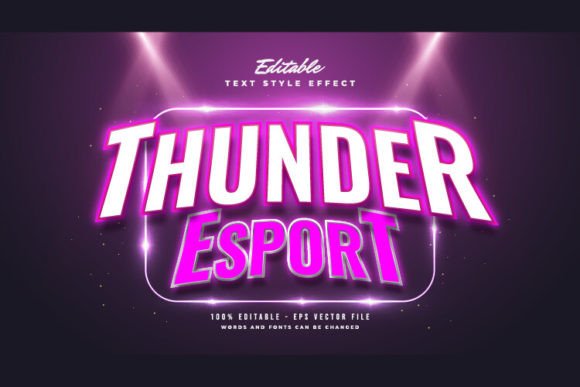
However, creating these complex, multi-layered text styles from scratch in Adobe Illustrator can be time-consuming. You have to manage multiple layers, adjust gradient meshes, and ensure your perspective lines are perfect. That is why having access to a pre-built, editable template changes the workflow entirely. Instead of spending hours constructing the effect, you can focus on the message itself. These templates allow you to input your own words, swap fonts, and adjust sizes with a simple click, delivering professional-grade retro visuals in minutes rather than days.
Why the 80s Aesthetic Still Works in Modern Marketing
You might wonder why a style from forty years ago remains so effective today. The answer lies in contrast. In an era of minimalist flat design and clean sans-serif corporate branding, the maximalist energy of the 1980s stands out. It signals fun, creativity, and a break from the norm. When you use a Colorful 3D 80s Retro Text Effect, you are not just decorating text; you are setting a tone.
This style works particularly well for brands and individuals who want to appear approachable and energetic. It lowers the barrier between the creator and the audience. A stiff, formal logo might intimidate a potential customer, but a vibrant, retro-styled headline invites them in. It suggests that the product or service behind the design is enjoyable, innovative, and perhaps a little rebellious. For marketers, this emotional connection is invaluable. It turns a passive viewer into an engaged participant.
Real-World Applications for Creators and Businesses
The versatility of these text effects means they are not limited to one industry. Whether you are a freelancer, a small business owner, or a content creator, there are numerous scenarios where this specific look adds value.
Social Media and Content Creation
In the fast-paced world of Instagram, TikTok, and YouTube thumbnails, you have less than three seconds to capture attention. A static image with plain text often gets scrolled past. However, a thumbnail featuring a Colorful 3D 80s Retro Text Effect pops off the screen. The depth and vibrant colors create a focal point that draws the eye immediately. Influencers and educators can use these templates to highlight key takeaways or episode titles, ensuring their content looks polished and professional without requiring advanced graphic design skills.
Event Promotion and Nightlife
If you are organizing a music festival, a club night, or a retro-themed party, this aesthetic is practically mandatory. Flyers and digital invitations need to convey the vibe of the event before the guest even reads the details. Using editable EPS files allows promoters to quickly update dates, venue names, and lineup information while maintaining a consistent visual identity. The ability to change the font means you can match the text style to the specific genre of music, whether it is synth-pop, rock, or electronic dance music.
E-Commerce and Product Launches
Small business owners selling vintage clothing, vinyl records, or retro gaming accessories can use these text effects to enhance their product listings. Imagine a sale banner for a "Summer Clearance" that features glowing, three-dimensional lettering. It creates a sense of excitement and urgency. Because the files are easy to edit, store owners can rapidly produce seasonal banners, holiday promotions, and flash sale announcements that look cohesive and high-quality. This consistency builds brand recognition and trust.
Educational Materials and Presentations
Teachers and corporate trainers often struggle to keep their audiences engaged. Standard PowerPoint slides with bullet points can induce sleep. By incorporating retro text effects into presentation headers, educators can inject energy into their materials. It is particularly effective for topics related to history, technology, or media studies, where the visual style reinforces the subject matter. The key here is moderation; using the effect for titles and key concepts keeps the presentation dynamic without becoming distracting.
Understanding the Technical Advantage: EPS and Editability
One of the most critical aspects of choosing a design resource is understanding the file format. Many free online generators provide low-resolution JPEGs or PNGs. While these are easy to use, they are rigid. If you need to change a word, you have to start over. If you need to print the design on a large banner, the pixelation becomes obvious.
This is why having access to EPS (Encapsulated PostScript) files is a game-changer. EPS is a vector format, meaning the design is built using mathematical paths rather than pixels. You can scale the text up to the size of a billboard or down to a business card, and it will remain crisp and clear. Furthermore, because the effect is constructed with editable vectors, you have full control. You can change the color palette to match your brand guidelines, swap the typeface to something more readable, or adjust the depth of the 3D extrusion.
The inclusion of JPG previews is also helpful for quick mockups. You can drag and drop the preview into a social media post to test how it looks before committing to the final edit in Illustrator. This workflow saves time and reduces frustration, allowing you to iterate on your designs quickly.
Important Distinction: This Is an Effect, Not a Font
It is crucial to clarify a common misconception: purchasing or downloading a Colorful 3D 80s Retro Text Effect template does not give you a new font file to install on your computer. Instead, it provides a styled framework within Adobe Illustrator. This distinction is actually a benefit. It means you are not locked into a single typeface. You can use any font you already own or have licensed.
This flexibility allows for greater creative freedom. If you want a sleek, modern look, you might choose a geometric sans-serif. If you want something more organic, you could select a hand-drawn script. The effect adapts to the font, applying the 3D extrusion, shadows, and gradients automatically. This ensures that your typography remains unique to your brand while still benefiting from the complex styling of the retro effect.
What to Consider Before You Start Designing
While these templates are powerful, using them effectively requires some strategic thinking. Here are a few factors to keep in mind to ensure your designs land well with your audience.
- Readability: The 80s style is inherently busy. Ensure that the text remains legible, especially if it is conveying important information. Avoid using overly decorative fonts if the message is complex.
- Context: Does the retro vibe fit your brand? A law firm or a medical provider might find this style too casual. However, a creative agency, a bakery, or a tech startup might find it perfectly aligned with their identity.
- Color Harmony: The default colors in these templates are usually vibrant neons. Consider whether these colors work with your existing brand palette. Since the files are editable, you can easily shift the hues to softer pastels or darker tones if needed.
- Software Compatibility: Ensure you have Adobe Illustrator installed. These effects rely on vector capabilities that are not available in basic photo editing software like Photoshop or free online tools.
Ultimately, the goal of using a Colorful 3D 80s Retro Text Effect is to enhance your message, not overshadow it. When used with intention, these designs can elevate your visual content, making it memorable and impactful. Whether you are designing a flyer for a local gig or a thumbnail for your next video, the right text effect can make all the difference in how your audience perceives your work. By leveraging editable, high-quality templates, you save time and maintain professional standards, allowing you to focus on what you do best: creating meaningful content.